France E-Invoicing After Go-Live: What the Mandate Requires Now and Before September 2027
France's e-invoicing reform is no longer a future project. Since 1 September 2026, every VAT-registered business in France must be able to receive...

Infinite has been our IT systems provider since 2004. The implementation of EDI system automated the flow of documents (such as invoices and orders). The delivery of our products takes place faster now, while the cost of order processing is noticeably lower.
Tomasz Bekasiewicz
IT Manager
Your complete roadmap to mandatory e-invoicing compliance under the UAE Federal Tax Authority’s EmaraTax system.

2 min read


France's e-invoicing reform is no longer a future project. Since 1 September 2026, every VAT-registered business in France must be able to receive...

Tax authorities across Europe and the Middle East no longer wait for the quarterly VAT return to see what businesses are invoicing. Under continuous...
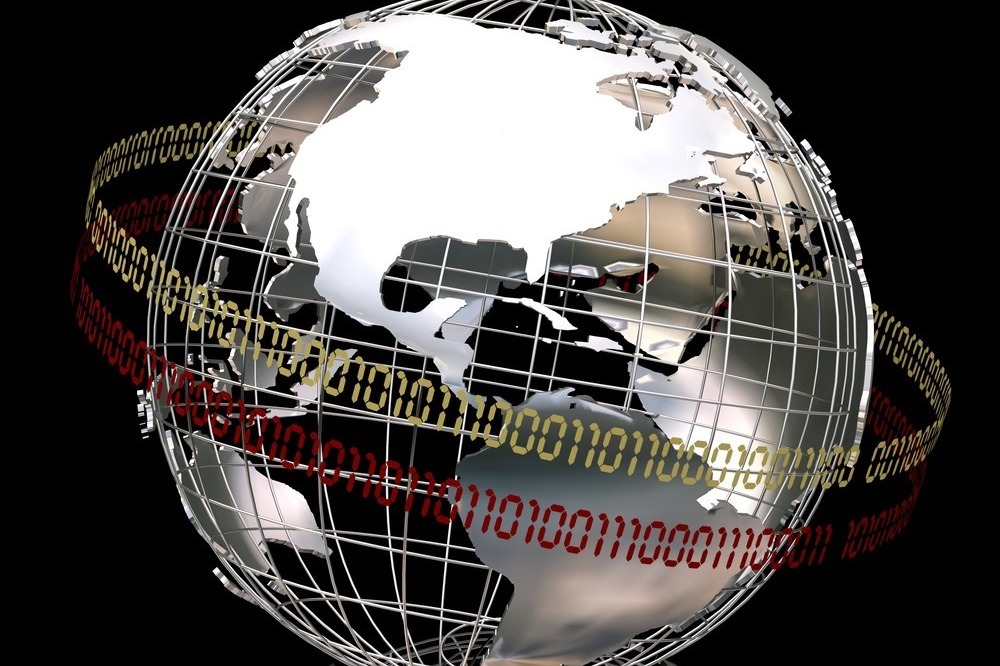
E-invoicing is no longer just a way to streamline processes. In an increasing number of countries, it is a legal requirement. Tax authorities want to...